Ink Magic
An iPad app that teaches kids to write Chinese characters. Trace a character stroke by stroke, and the ink turns into what it means.
Kids learning Chinese outside a Chinese-speaking environment get little everyday exposure to the written language. Reading comes slowly and writing comes slower. I wanted practice to feel like play rather than homework, so I built a small spellbook for the iPad.
How it works
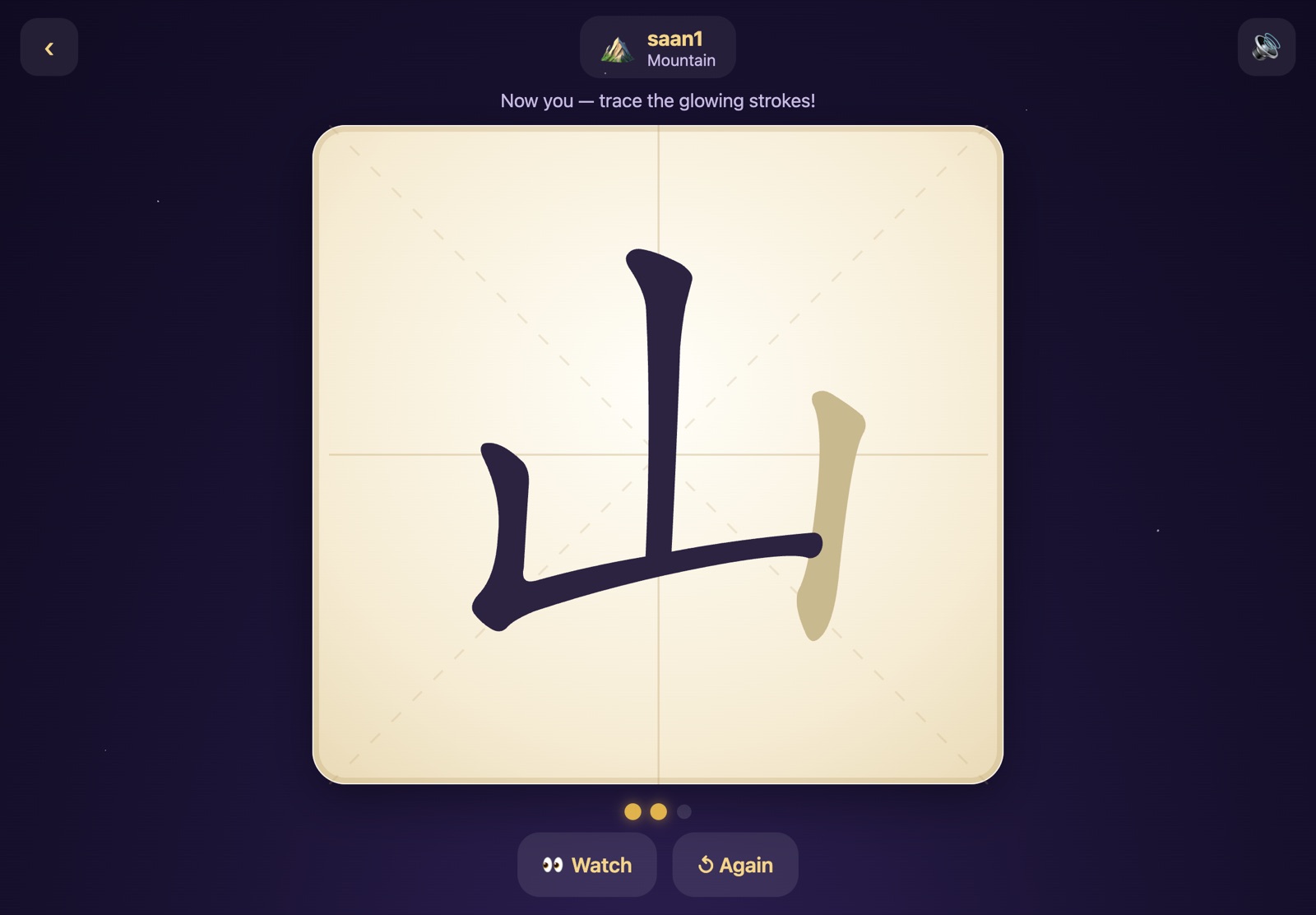
A character first draws itself, stroke by stroke, on a classic 米字格 practice grid. Then it’s the child’s turn to trace it. Grading is forgiving for small fingers: hints appear after a couple of misses, and a stroke is never a dead end.
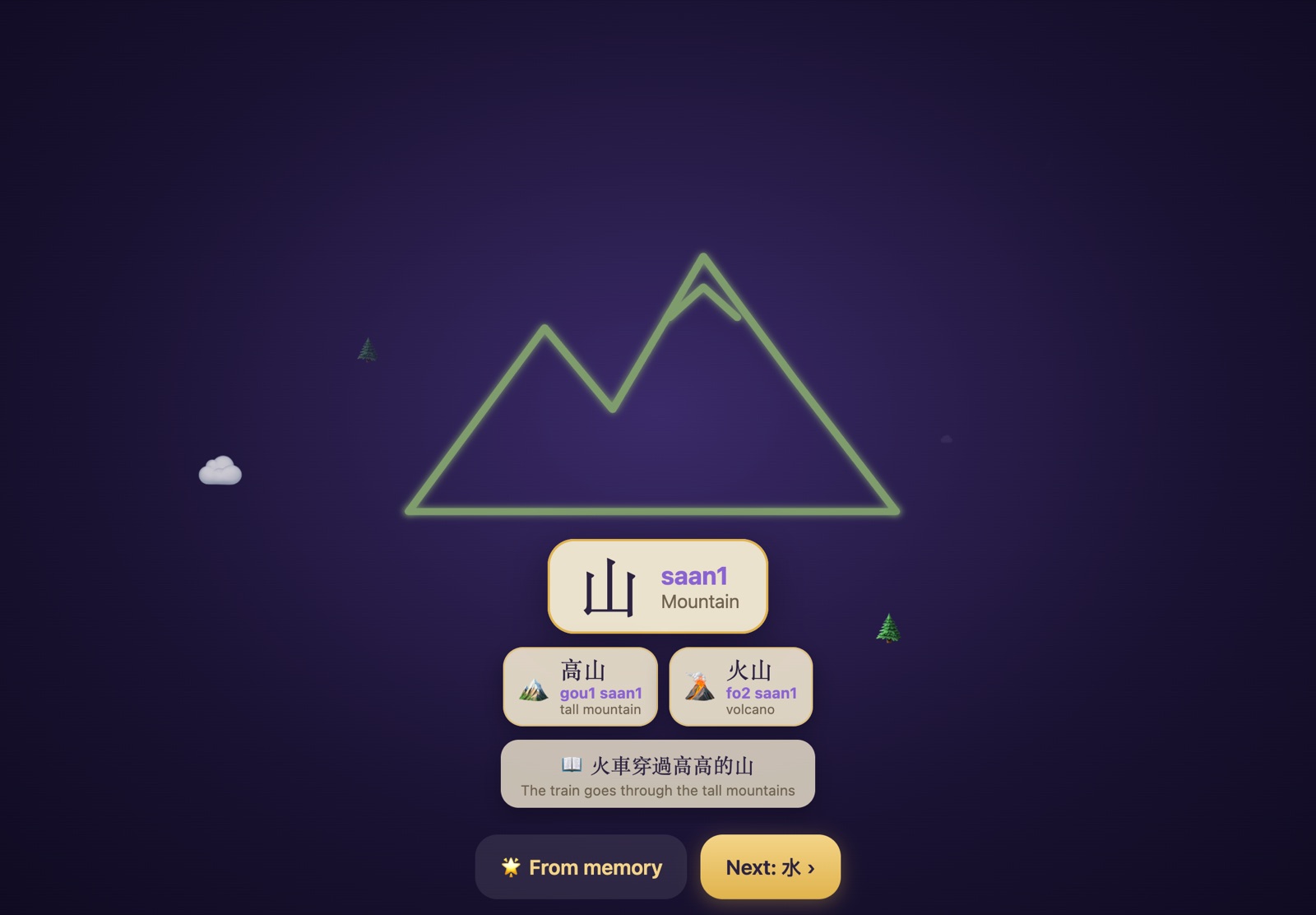
When the last stroke lands, the ink lifts off the page. For pictographic characters the droplets scatter and reassemble into a line drawing of the meaning, so 山 becomes a mountain ridge and 火 becomes a flame.

Each reveal also offers up to two real words that use the character, plus an example sentence. Everything is tappable to hear it spoken.
What’s in it
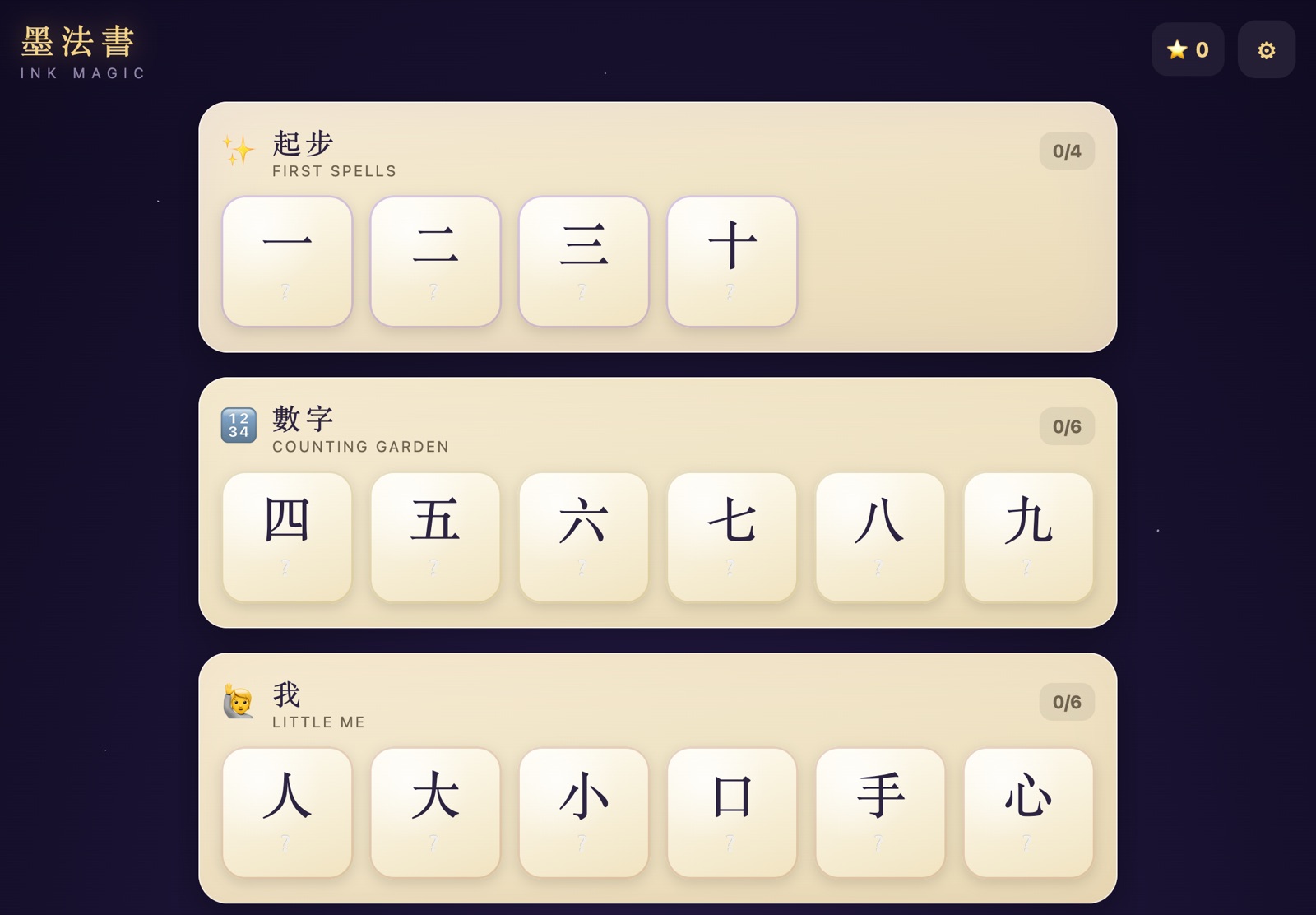
- 107 characters in 17 chapters, taken from Hong Kong kindergarten word lists and ordered so the stroke count climbs gently
- Traditional or Simplified script, with Cantonese (jyutping) or Mandarin (pinyin) readings
- A play corner with three games, built only from characters the child has already traced
- Spell Casting: draw any learned character from memory on a blank page, and the app recognises it on the device
- Writing from memory, with no demo first, earns a gold star
- Fully offline, with no accounts, cookies, analytics or network requests after the page loads
One rule that mattered
Every reveal shows one clear picture: either the ink drawing or an emoji scene, never both at once. Small children do better with one thing to look at than with a collage, and cutting features to follow that rule made the app better.
Under the hood
Vite and TypeScript with no framework; the app is a small state machine rendering DOM. Stroke data and grading come from Hanzi Writer. The whole curriculum lives in one JSON file, and a validation script regenerates the stroke data and checks readings, shapes and coverage on every build.
Sound is synthesised with WebAudio. Every stroke plays a note on a pentatonic scale, so writing a character composes a tiny melody. Speech uses the iPad’s built-in Chinese voices, and the app deploys as static files to Cloudflare Workers.